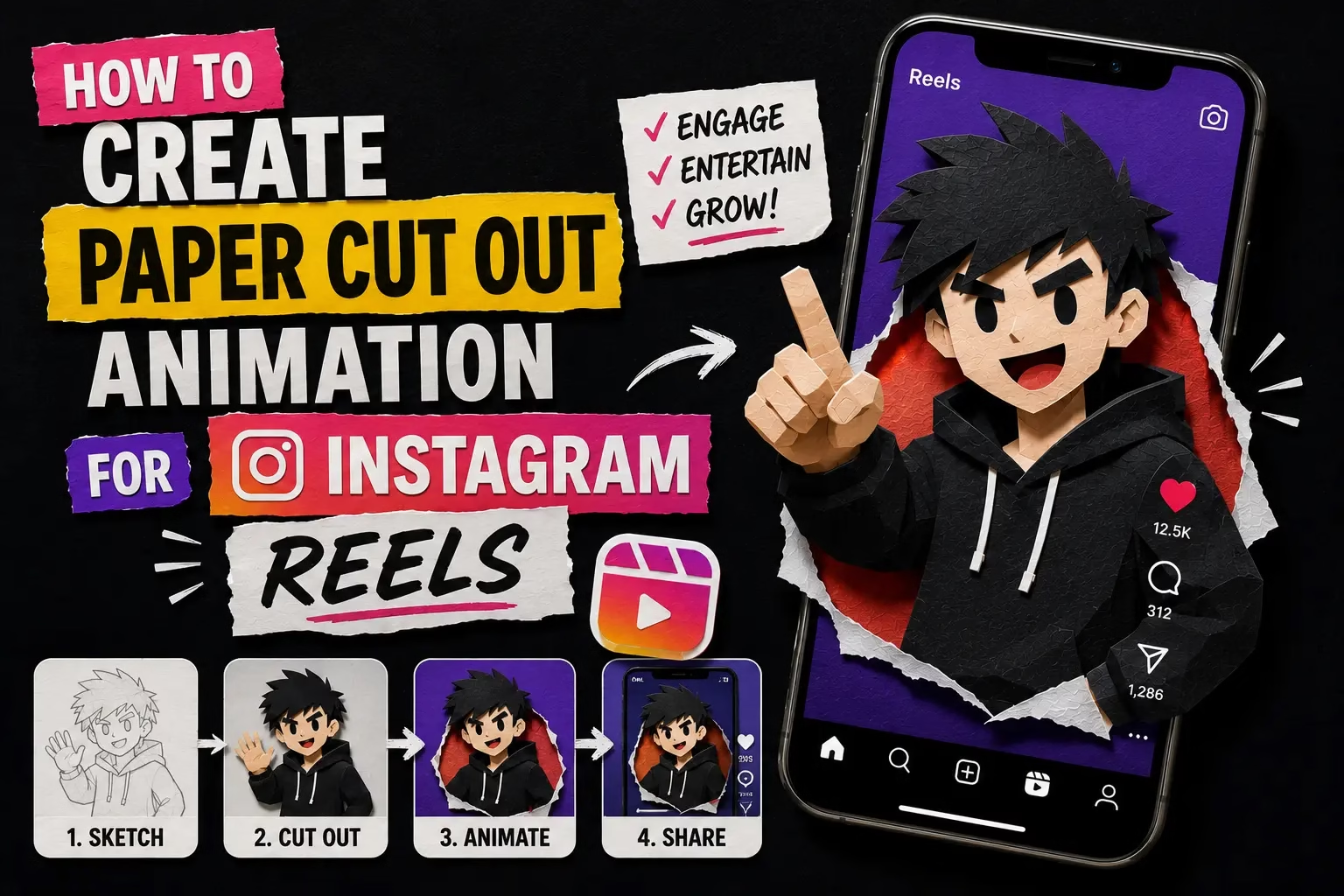
How to Create Paper Cut Out Animation for Instagram Reels
Instagram Reels rewards one thing above almost everything else: the first three seconds. If your Reel does not grab attention in that window, the algorithm treats it as low-interest and stops pushing it to new viewers. Paper cut out animation for Instagram Reels solves this directly because the style is visually unusual enough to stop a scroll the moment it appears.
A viewer scrolling past dozens of talking-head videos stops when they see something that looks physically crafted. That curiosity buys you the next five seconds. Most people finish watching after that point.
Why the Paper Style Works on Reels Specifically
Reels play on a 9:16 vertical screen at full width. This format is much taller than it is wide, which changes how visual elements read compared to horizontal video or square posts.
Paper cut-out subjects fill the vertical frame naturally. A large paper figure centred in a 9:16 composition looks bold and intentional. The same figure in a 16:9 frame looks small and surrounded by empty space.
Creator educator Roberto Blake, who built a YouTube channel around visual strategy and design for creators, wrote that handmade visual styles trigger curiosity in a way polished digital graphics do not. His work on thumbnail psychology applies directly to Reels hooks. The rough edges of paper cut-outs signal that a human made this, not a template.
Specifications You Need Before You Start
Instagram Reels require 1080 x 1920 pixels at a 9:16 aspect ratio. Any video outside these dimensions gets cropped by Instagram and neither result looks intentional to the viewer.
Most successful Reels run between 15 and 30 seconds. For a paper animation Reel this is enough time for your cut-out to unfold, a short message to appear, and a clear call to action at the end.
Upload in MP4 format to Instagram. PaperAnimators.in exports as WebM so bring the WebM into CapCut and export as MP4 before uploading. This one extra step keeps your video quality intact after Instagram’s compression.
Step 1: Plan the Reel Before You Open Any Tool
Ten minutes of planning saves forty minutes of re-exporting later.
Decide what the Reel is about first. A paper animation is a visual wrapper around a message. The message needs to exist before the animation. Is it a product reveal, a before and after comparison, or a short tip with the paper character delivering information?
Write out three moments before opening PaperAnimators.in. Moment one is the paper character unfolding into frame in the first three seconds. Moment two is text appearing with your main message. Moment three is the call to action. Writing this down means you build toward something specific rather than opening the tool with no plan.
Step 2: Build Your Paper Cut Out Animation for Instagram Reels
Open PaperAnimators.in and upload the image you want as your paper character. This could be a photo of yourself, a product, a mascot, or any subject that represents your content clearly. Creators in Chandigarh and Amritsar running local business accounts use product photos here rather than personal portraits.
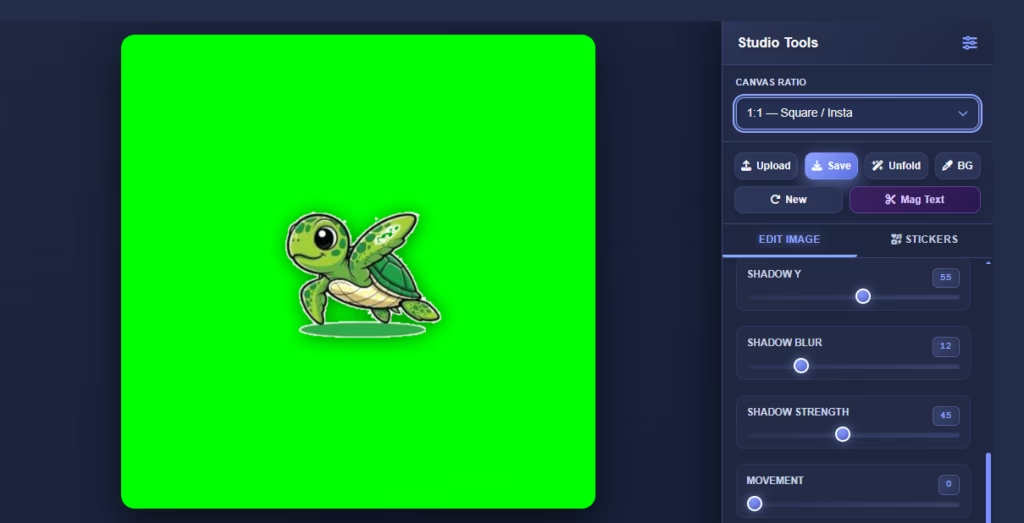
Run background removal in the editing studio before selecting any effect. A clean subject isolation makes every next step easier. Stray pixels from a rough cut-out become very visible when the animation plays at full mobile screen width.
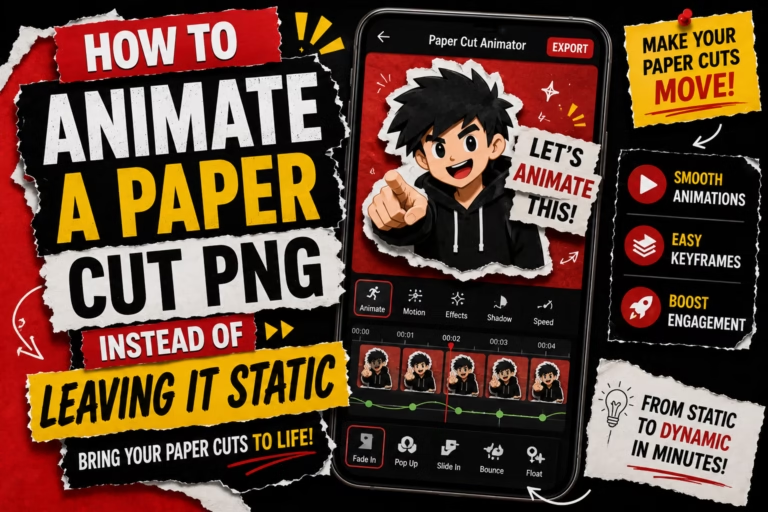
For Reels the Paper Fold-Out Animation works better than a static Paper Cut-Out as the opening hook. The folding motion reveals the subject progressively and a viewer who catches the first second of a fold-out wants to see what it becomes. Set movement intensity at around 30 to 40 percent after the fold completes to keep the character alive without the wobble becoming distracting.
Step 3: Export for Video Use
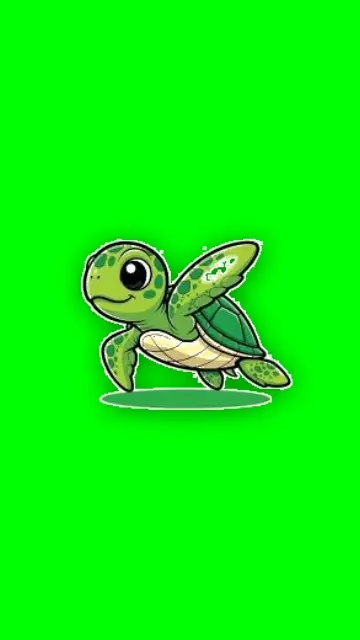
Export your animation as a green screen WebM file. Green screen is the better export choice over transparent WebM for Reels because it works in every video editor including the free tier of CapCut.
Set resolution to the highest available before downloading. Reels play at full screen width on mobile devices and a low resolution animation shows compression at that scale. Save the file to your device before opening CapCut.
The green screen file gives your paper cut out animation for Instagram Reels the cleanest possible starting point inside the editor. Starting with a high resolution file means compression during export and upload takes less quality away.
Step 4: Build the Reel in CapCut
CapCut is free, works on mobile and desktop, and handles green screen removal in a few taps. Create a new project and set the aspect ratio to 9:16 before doing anything else.
Add your background first. Solid colour or simple gradient backgrounds work best for paper animation Reels. Complex photo or video backgrounds compete with the cut-out style and make the composition feel busy. Dark solid backgrounds give the paper character the most visual contrast.
Import your PaperAnimators.in green screen WebM as an overlay. Tap Overlay, then Add Overlay, and select the file. Position and resize the paper character on the canvas. For a Reel where the character is the main visual, place it slightly left or right of centre and leave room for text on the opposite side. Select the overlay, find Chroma Key, and remove the green background by adjusting the strength slider until the paper edges look clean.
Step 5: Add Text and Timing
Text in Reels needs to be large enough to read on a phone at arm’s length. Anything below 40pt in CapCut is hard to read on smaller screens. High contrast between text colour and background matters more than font choice at this size.
Keep key visuals and text away from the screen edges. Instagram places its interface including the like button, share button, and caption on the right side and bottom of the Reel frame. Text near the right edge or very bottom gets covered by Instagram’s own interface.
Time your text to appear after the paper character has fully unfolded. The animation is the hook and the text carries the message. Both appearing at the same time splits the viewer’s attention and neither gets proper focus.
Step 6: Export as MP4 and Upload to Instagram
Once the Reel looks right in CapCut, export at 1080 x 1920 pixels in MP4 format. CapCut handles this automatically when the project starts at 9:16. Export at the highest quality setting CapCut offers.
Instagram compresses every video during upload. Exporting at lower quality means two rounds of compression and the paper edges lose sharpness by the time the Reel goes live. High quality export protects the visual detail your paper animation depends on.
Upload to Instagram, write your caption, add relevant hashtags, and post. Watch performance in the first three hours closely. Strong watch-through in that window tells the algorithm to push the Reel further. If it stalls early, the first three seconds need fixing, not the animation quality.
What to Do When the Animation Does Not Loop Cleanly
Some PaperAnimators.in exports have a visible cut between the end of the loop and the beginning. In a standard Reel this does not matter because Reels play once and stop.
For looping Stories or profile highlight covers the loop cut becomes visible and worth fixing. In CapCut, trim the last two frames of the animation clip. The loop cut happens in the final one to two frames and removing them makes the end less abrupt.
For a looping Story, duplicate the clip and place a crossfade transition between the first instance and the second. This softens the repeat point enough that most viewers do not notice the loop.
Three Reel Formats That Work Well With Paper Animation
Each format below suits a different type of content and a different audience.
The reveal format uses the paper character folding out to reveal a product, a piece of text, or a before and after. The fold-out is the reveal. Works well for product launches, announcements, and tip sharing. Small business owners in Jamshedpur, Kochi, and Nagpur use this format to promote local offers without a video production budget.
The talking-head replacement puts your paper cut-out character where a face-to-camera video would normally go. The character delivers information via text overlays while the animation keeps the visual interesting. Useful for creators who prefer not to appear on camera or want a consistent animated persona across their content.
The visual list brings three paper cut-outs on screen one after another, each representing one item on a list. Each one folds out in sequence as the list builds. Simple to produce and easy for viewers to follow on a small screen.
Frequently Asked Questions
Can I Upload a WebM File Directly to Instagram Reels?
No. Instagram does not accept WebM format. Export from CapCut as MP4 after assembling your Reel. The conversion from WebM to MP4 happens inside CapCut automatically when you export the finished project. No separate conversion tool needed.
What Aspect Ratio Should My PaperAnimators.in Export Be?
PaperAnimators.in exports in square or near-square format by default. When you place the export in CapCut at 9:16, resize and reposition the paper character to fit the vertical frame. The original export dimensions do not need to match the final Reel dimensions.
How Long Should the Fold-Out Animation Be for a Reel Hook?
Two to three seconds is the right range. The fold-out should complete before the three-second mark so the viewer sees the finished character and your main message before deciding whether to keep watching. Longer fold-outs risk losing viewers before the message appears.
Does Adding Captions Affect How the Paper Animation Looks?
Instagram auto-captions appear at the bottom of the Reel frame. Keep your text overlays and the lower portion of your paper character above the bottom 15 percent of the frame. This avoids the caption area covering important visuals in your paper cut out animation for Instagram Reels.
Can I Use These Animations for Instagram Stories Too?
Yes. Stories use the same 9:16 format as Reels and the same CapCut workflow applies. Stories disappear after 24 hours unless saved as a Highlight so they suit time-sensitive content better than evergreen material.
About the Author
Abdual Qayyum is a content creator and designer from India. He runs Paper Animators, giving creators a free and simple way to build paper animation graphics for their social media content. For questions, visit the Contact page.
PaperAnimators.in is a free tool built for creators who want paper animation graphics without complicated software or expensive subscriptions.