Paper Cut Text Effect Online — Free Generator No Login Needed
You typed a word. Now picture that word looking like it was cut from a sheet of paper by hand, rough edges, real texture, shadow underneath, sitting on any background you choose. That is exactly what this tool does. The paper cut text effect online on this page lets you create that look in your browser without Photoshop, without a design degree, and without paying anything.
Type your word. Pick your style. Download your file.
Type any word or sentence into the text box. The tool renders it in a paper cut style instantly. Choose your font, adjust size and spacing, pick a paper texture, set the torn edge style, and select your background. Export as PNG, JPG, transparent PNG, or green screen when it looks right. Everything runs in your browser and nothing uploads to any server.
What Is a Paper Cut Text Effect Online?
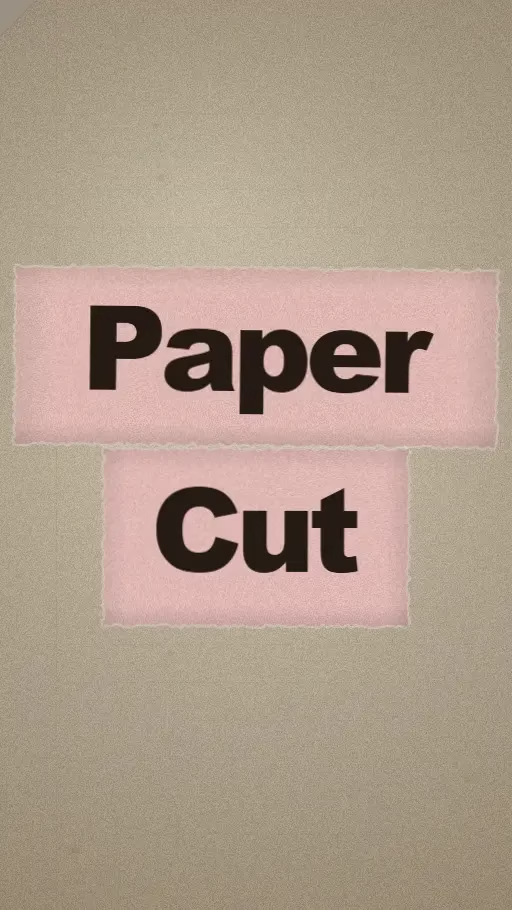
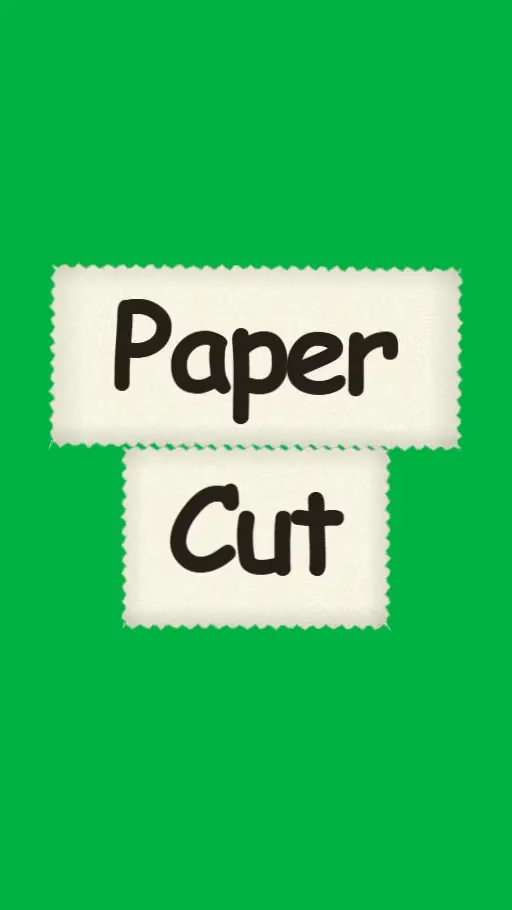
A paper cut text effect online takes any word or phrase and renders it to look like letters cut from real paper. The edges look organic. The texture looks physical. The shadow underneath makes the text appear to lift off the surface.
Graphic designers have used this style for decades in editorial layouts, event posters, and children’s book covers. The look signals something handmade and intentional in a way that clean digital fonts cannot replicate. Today you can get the same result in a browser without any design software.
How This Tool Works
Type your word or sentence into the text field at the top of the editor. The tool renders it on a paper canvas immediately. You see the result live as you adjust each setting.
Font controls let you choose the typeface, set size and spacing, and toggle bold or italic. The tool currently includes Kalam and other handwritten and display fonts that suit the paper cut aesthetic well. Alignment controls let you position the text at the center, left, or right of the canvas horizontally, and at the top, middle, or bottom vertically.
Paper settings give you control over the physical look of the cut. Choose from preset paper colors including cream, beige, warm white, green, blue, pink, and dark. Pick a texture from Smooth, Grain, Rough, or Lined. Adjust the shadow slider to control how much the text appears to lift off the background. A stronger shadow reads better at small sizes and adds more depth to the composition.
Torn Effect — The Feature That Makes It Look Real
The torn effect is what separates a paper cut text effect online from a simple styled font. It adds organic imperfection to the edges of each letter. That imperfection is what makes the result look physically cut rather than digitally generated.
The Amount slider controls how much tearing appears on the edges. At zero percent the edges are clean and straight. As you increase the amount the edges become progressively more irregular and organic.
The Roughness dropdown gives you four edge styles. Scissor gives clean straight cuts with minimal variation, like letters cut carefully with sharp scissors. Hand Torn adds the irregular wobble of paper torn by hand. This is the most natural-looking option for most uses.
Ripped creates more aggressive tears with longer pulls along the edge. Crinkled adds a wrinkled quality as if the paper was folded before cutting. The Clean Scissor Cut button resets the torn effect entirely and gives you a perfectly smooth edge in one click.
Background and Canvas Options
The background sits behind your paper cut text and changes how the whole composition reads. Five background options are available in the tool.
Solid Color fills the canvas with a single flat color. Use the color picker to match your brand colors or pick any tone that contrasts well with your paper. Gradient fills the background with a smooth color transition. Image lets you upload any photo or texture as a background.
Green Screen fills the background with pure green (#00FF00). You can key it out in CapCut, Adobe Premiere, or DaVinci Resolve and place the text over video footage. Transparent PNG removes the background entirely so the paper cut text sits on a clear base ready for any design tool.
Canvas ratio options match your output to your use case. Use 9:16 for Instagram Reels, TikTok, and YouTube Shorts. Use 16:9 for YouTube thumbnails and presentations. Use 1:1 for Instagram square posts and profile graphics.
Export Options
Four export formats are available depending on how you plan to use the result.
Export PNG gives you a high quality flat image with the background included. This works for most social media posts, blog graphics, and presentation slides. Export JPG gives you a smaller compressed file. Use this when you need the image to load fast and the background is a solid color.
Transparent PNG removes the background completely. It saves only the paper cut letters on a clear base. Drop this into Canva, Photoshop, or any design tool and the text sits cleanly on whatever background you place behind it.
Export Green Screen saves the image with a bright green background for video editors. Creators in Surat, Indore, and Ranchi who build YouTube and Reel content use this to overlay paper cut text on video footage in CapCut.
What to Use Paper Cut Text For
The paper cut text effect online output works across more content types than most creators initially think of.
YouTube thumbnails with paper cut title text stand out in search results. The texture and shadow add visual depth that flat text cannot match. Small business owners in Nagpur, Vizag, and Coimbatore use it for festival greeting posts on WhatsApp Status and Instagram Stories.
A “Diwali Sale” or “Eid Offer” written in paper cut style with a warm paper texture gets more attention than plain text on a colored background. Event posters, podcast cover art, and personal branding all work well with this style too.
Tips for Better Results
Keep your text short. One to four words render the best paper cut effect. Each letter has room to show its texture and torn edges clearly at that length.
Match your paper color to your background with enough contrast. A cream paper on a dark background reads clearly. A white paper on a light background blends in and loses the depth the shadow creates.
The shadow slider works best between 15 and 30. Below 15 the text looks flat. Above 30 the shadow starts to look heavy and unnatural.
Use Grain or Rough texture for the most realistic paper look. Smooth texture looks more digital and less physical. Hand Torn roughness with Grain texture is the combination that reads most like real cut paper at thumbnail size.
Frequently Asked Questions
Start Creating Now
The paper cut text effect online tool is ready above. Type your first word, pick a torn edge style, adjust your paper texture, and download your result in under two minutes. Every tool on PaperAnimators.in is free, runs in your browser, and produces professional results without any design background. No subscription. No watermark. No catch.