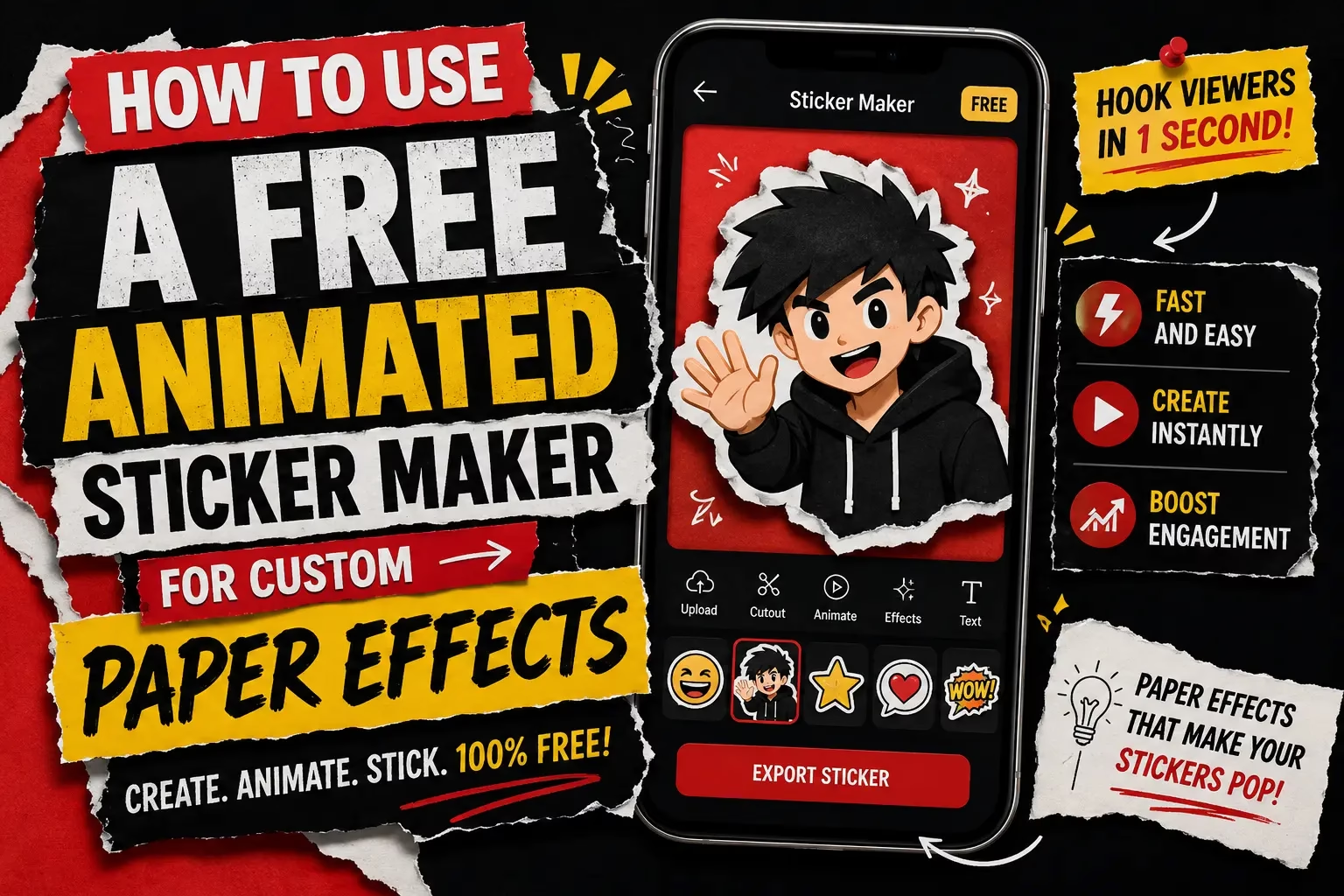
How to Use a Free Animated Sticker Maker for Custom Paper Effects
Abdual Qayyum, Content Creator & Digital Designer | Last Updated: June 2026 | Reading Time: 8 min
You want to send something on WhatsApp Status or drop into a Discord server that actually looks like yours, not another downloaded sticker pack everyone else already has. Most free packs online are the same GIF files shared by thousands of people, and the paid ones still are not really custom. A free animated sticker maker built around customization rather than upload solves this differently, because the sticker itself is not what makes it unique. What you do to it afterward is.
Why the Same Sticker Looks Different for Everyone
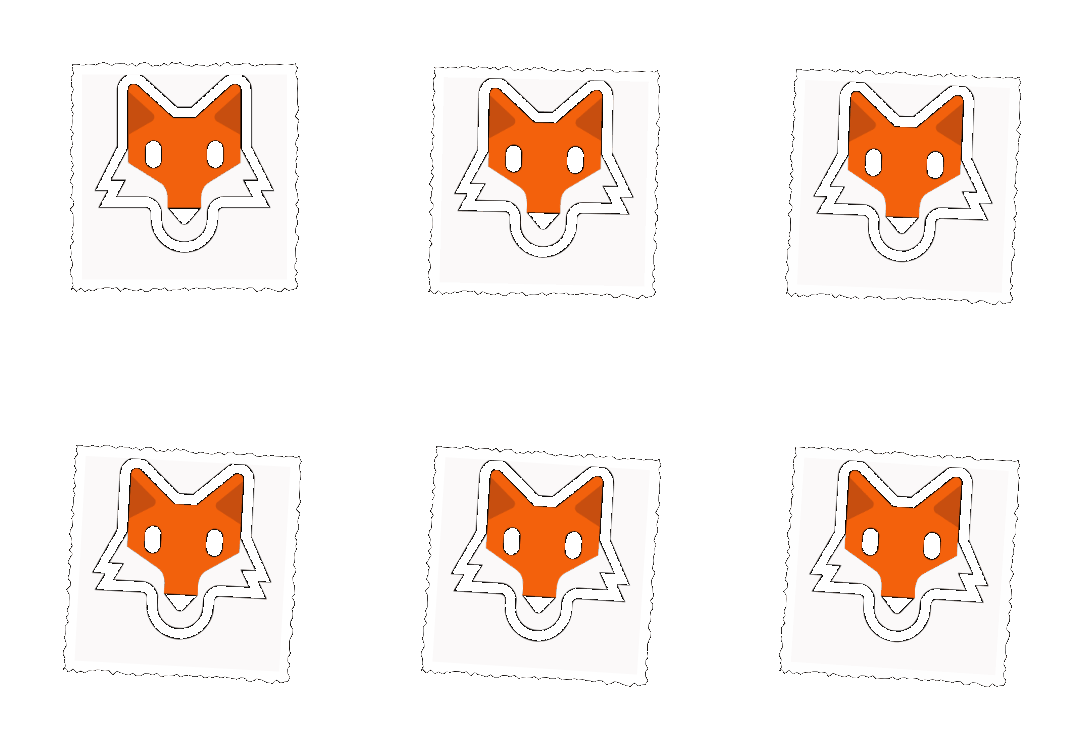
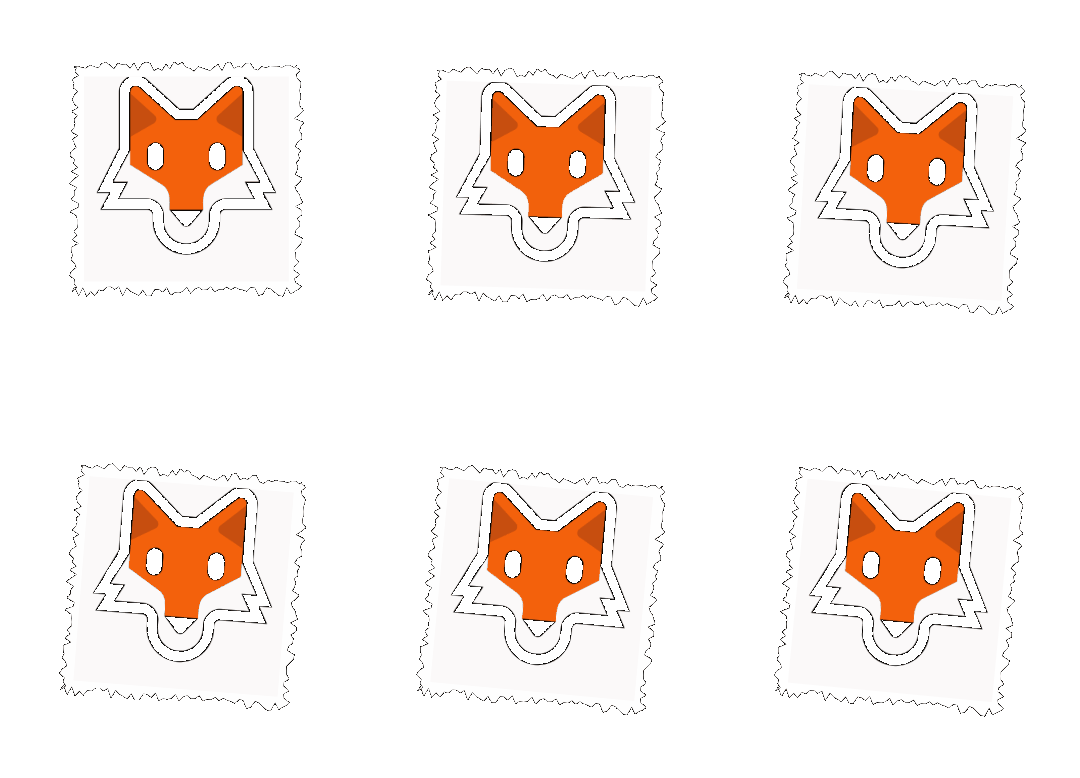
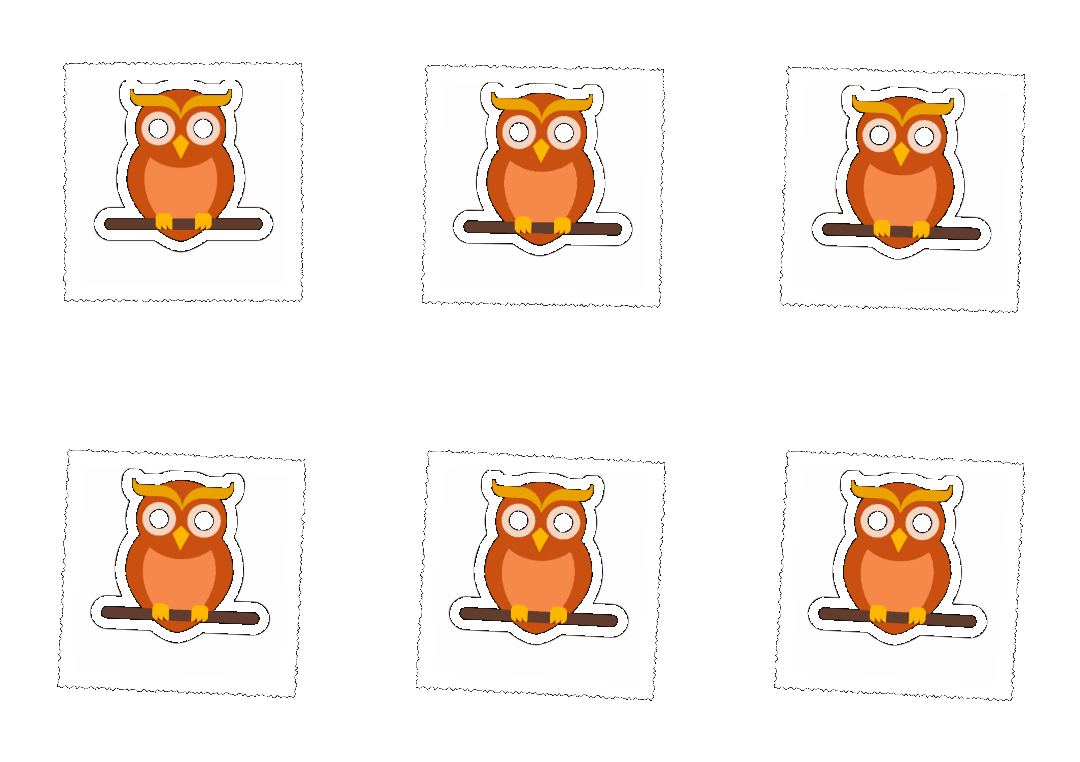
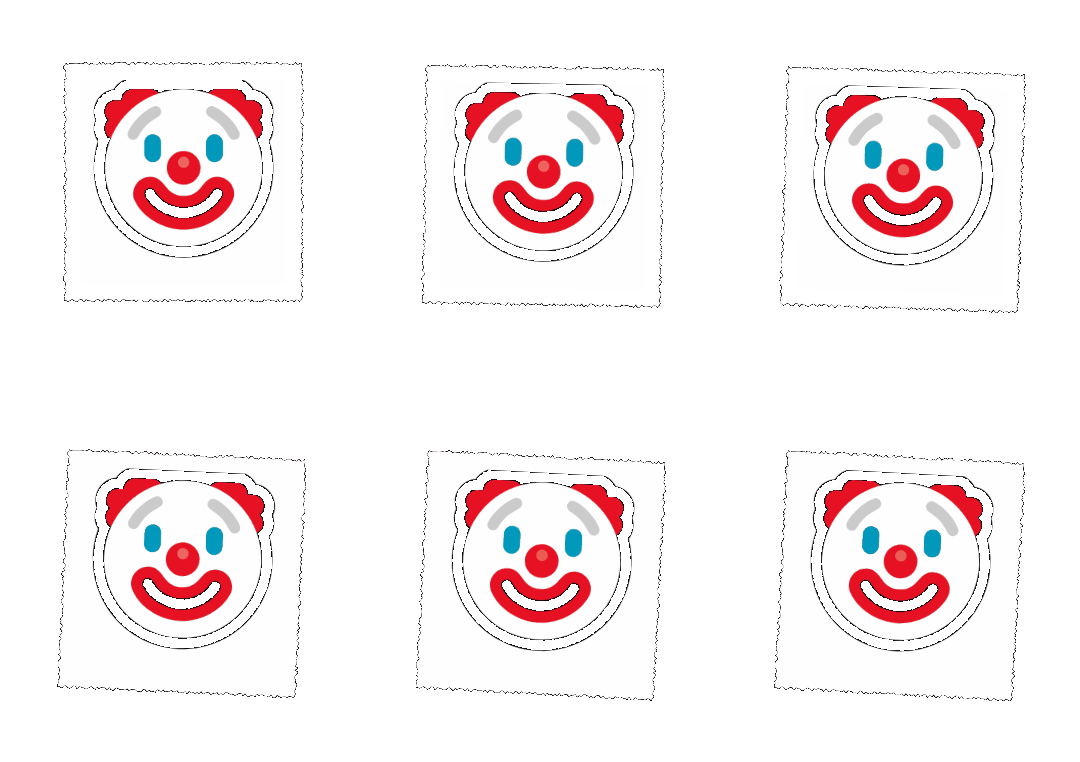
Every user of PaperAnimators.in sees the exact same sticker gallery. Dogs, cats, foxes, pandas, unicorns, hearts, and a range of emoji-style characters sit in one shared library. Picking a fox gives you the same starting image as the next person who picks it too. The transformation happens after that choice, once the paper cut-out effect, torn edges, shadow, and movement settings apply on top of it.
Two people can open the same fox sticker and land on completely different results. One might use soft hand-torn edges with a gentle 30 percent wobble that reads as warm. Another might push the torn effect higher with a sharper shadow near 50 percent movement, landing on something faster and punchier. The starting character is shared. The finished sticker is not.
How the Free Animated Sticker Maker Actually Works
Turning a sticker into a paper animation follows the same process as turning a photo into one. Open the Stickers tab in the editing studio and select a character. Every tool available for a photo becomes available for that sticker too, including edge thickness, texture, shadow, and the movement slider.
Anyone who already understands how movement or paper effects work on a regular photo already knows how to apply the same settings here. Nothing changes in the interface. Only the starting subject changes, coming from the gallery instead of an upload.
What Edge Thickness Actually Does on a Sticker
On a full photo, a thick torn edge reads as a bold creative choice because there’s a large subject to carry it. On a small sticker-sized character, the same setting behaves differently. Push it too high and the torn detail can eat into the character’s face or body, since there’s less surface area for the effect to work with. A lighter edge setting, closer to the lower end of the slider, tends to preserve the character’s features while still giving it that hand-cut look.
Texture follows a similar logic. A heavier paper grain that looks great on a large paper cut-out photo can make a small sticker look muddy once it’s shrunk down to chat-bubble size. A subtler texture setting holds up better at that scale.
Finding the Right Movement Setting
Movement between 30 and 50 percent is where most results feel right. Below that range the wobble barely registers. Past 60 percent, the character can start to look like it is vibrating rather than moving, which suits chaotic or comedic content but rarely suits something meant for a casual chat.
A college student in Indore building a sticker set for a close friend group would likely lean toward 30 to 35 percent, for a soft wobble that feels friendly. A small business owner in Nashik using a mascot sticker on WhatsApp Business might push closer to 45 or 50 percent, since a livelier movement stands out in a busy chat thread full of text.
Choosing Between PNG, GIF, and Green Screen for a Sticker
The format choice depends on where the sticker is going, not just personal preference. WhatsApp and Discord both handle static image stickers and looping GIFs differently at the platform level, so a sticker meant to sit as a still image in a chat works better exported as transparent PNG rather than GIF, since GIF is built for the animated, looping version specifically. If the goal is the classic looping sticker most people expect on Telegram or Discord, GIF is the format that actually plays that motion back in the chat itself, where a PNG would just sit still.
Green screen WebM only makes sense if the sticker is headed into a video editor afterward, since none of the major chat platforms read a green screen file as a transparent sticker on their own.
The One Real Limitation Worth Knowing
The sticker gallery cannot accept uploads. There is no option to bring in a personal photo and turn it into a new character. The library is fixed to what already exists in the tool.
This matters because it shapes what the feature is actually good for. It is not a replacement for turning a personal photo into a paper cut-out character, which is a separate workflow on the same site. It is better understood as a fast option for anyone without a suitable photo on hand, or who wants something more shareable in a group setting than a personal portrait.
Building a Set That Feels Like One Pack
A downloaded sticker pack looks cohesive because every image was made with the same template. You can get close to that same cohesion here, but it takes a small deliberate choice: keeping the edge thickness, texture, and movement percentage the same across every character you pick, rather than adjusting each one from scratch. Vary the character. Keep the settings constant. That consistency is what makes five or six stickers read as a matching set instead of five unrelated experiments, even though they all came from the same shared gallery everyone else has access to.


Try it with a character that matches your usual tone before building out a full set.