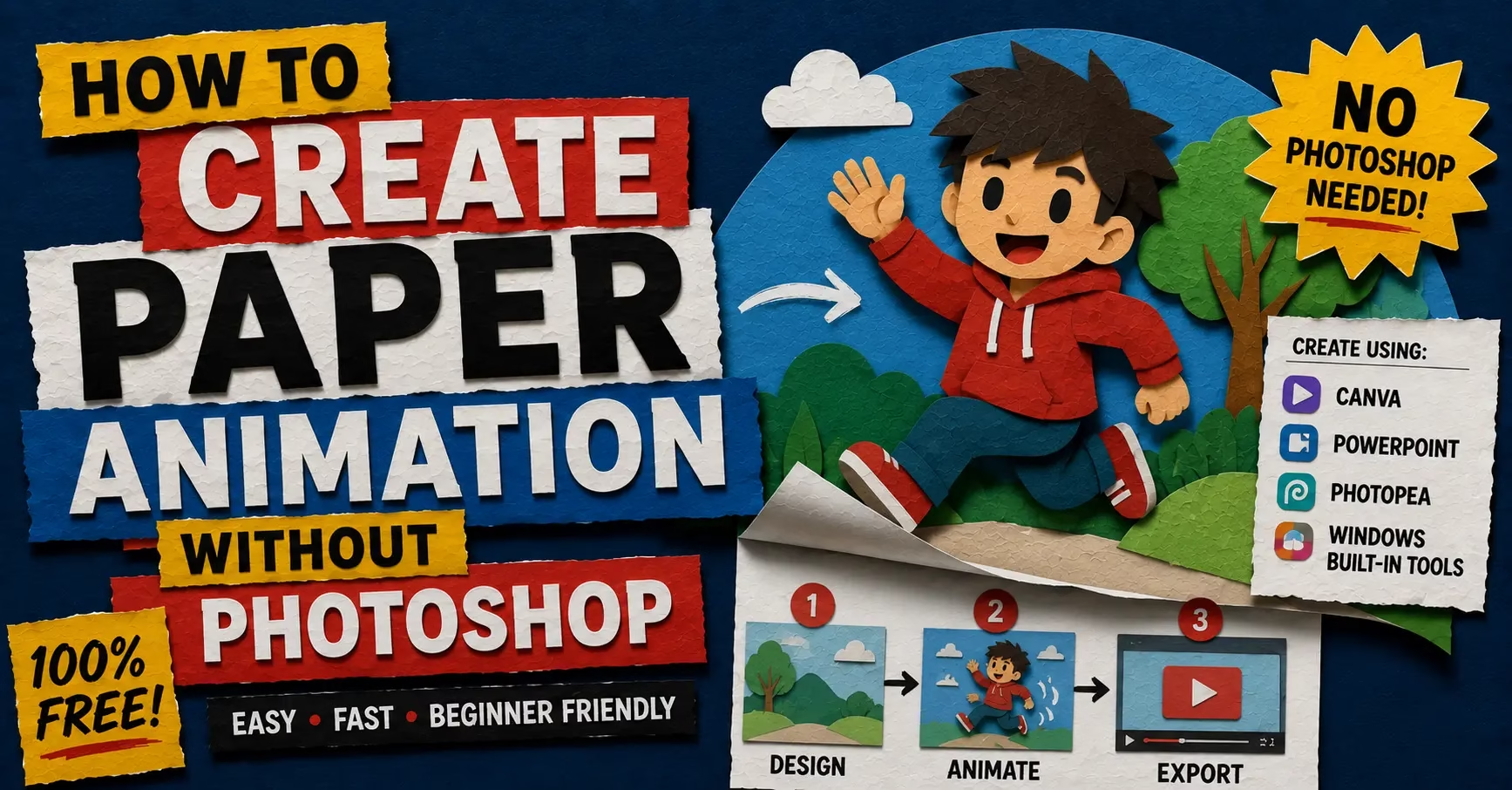
How to Create Paper Animation Without Photoshop — Free Browser Workflow
Photoshop costs money every single month. After Effects costs more. Between the two of them, getting a paper animation that looks professional has traditionally meant either paying Adobe or spending weeks learning software that most content creators never actually need beyond one specific effect. Paper animation without Photoshop is not just possible in 2026, it is genuinely easier, and the results from a free browser tool are close enough to the professional software output that most viewers cannot tell the difference.
The creator who figured this out six months ago is already ahead. The one reading this now is catching up. Either way, this is the workflow that skips the subscription entirely.
Why Photoshop Is the Wrong Tool for Paper Animation Anyway
Here is something that most tutorials do not tell you. Achieving the paper animation look in Adobe After Effects traditionally involves complex masking, the roughen edges effect, and tedious frame-by-frame adjustments. Photoshop handles static images reasonably well but the moment you want the boil effect, the organic wobble that makes paper animation look physically alive, you are moving into After Effects territory and a significantly steeper learning curve.
The honest truth is that Photoshop was never designed for this specific visual style. It is a photo editing tool that people have worked around for years to approximate a paper cut-out look. The workarounds work, but they are slow and they require technical knowledge that most content creators simply do not have and do not need.
PaperAnimators.in was built specifically for this. Every slider, every export option, and every setting exists to produce paper animation and nothing else. That specificity is what makes it faster and simpler than any general-purpose software.
What Paper Animation Without Photoshop Actually Looks Like
The concern most creators have before trying a free alternative is that the output will look obviously low quality. It is a reasonable concern. Most free tools look free.
The paper cut-out effect in PaperAnimators.in produces torn edges with real texture variation, layered shadows that give the subject genuine depth, and an organic boil movement that mimics the natural wobble of hand-cut paper held in front of a stop-motion camera. These are not approximations of the Photoshop workflow. They are the same visual results achieved through a different technical path that runs entirely in a browser.
Creators in Kochi, Bhubaneswar, and Jodhpur who switched from trying to replicate this in Canva and Photoshop to using PaperAnimators.in directly describe the difference the same way. The output looks better and it took less time. That combination is unusual enough to be worth paying attention to.
Uploading Your Photo and Removing the Background
Open PaperAnimators.in in any browser on any device. No download. No account. No plugin. The tool loads and works immediately.
Upload the photo you want to turn into a paper animation. This can be a portrait, a product shot, a character, or any subject with reasonably clear edges against its background. The tool uses automatic object detection to identify your subject rather than colour matching, which means it handles photos where the subject and background share similar tones better than most free background removal tools.
After the background removes, your subject appears on a transparent base shown as a grey checkerboard pattern behind it. Look at the edges carefully before moving forward. For paper animation specifically, edge quality matters more than in almost any other use case because the torn paper border sits right on that edge and any rough spots become more visible once the paper effect applies.
Applying the Paper Cut-Out Effect
With the background clean, apply the paper effect from the effects panel. This is where the tool does the work that would take multiple steps and significant technical knowledge in Photoshop or After Effects.
The edge controls let you set how the paper border looks around your subject. Thickness controls how wide the paper border appears. The roughness and torn effect settings control whether the border looks like clean scissor cuts or hand-torn paper with irregular, organic edges. Hand Torn roughness on a moderate thickness setting produces the most realistic paper cut-out look for most content uses. The Crinkled setting adds a folded quality to the edges that works well for more stylized or textured content.
Shadow intensity controls how much the subject appears to lift off whatever background sits behind it. A shadow that feels slightly strong in the editor tends to look exactly right once the content is placed on a background in Canva or CapCut. This is one of the adjustments that takes a few exports to calibrate for your specific use case, but the principle is consistent: lean toward stronger rather than weaker for anything that will appear on a dark background.
Adding Movement to Your Paper Animation
This is the step that separates a paper cut-out image from actual paper animation without Photoshop, and it is the step that would require After Effects in a traditional workflow.
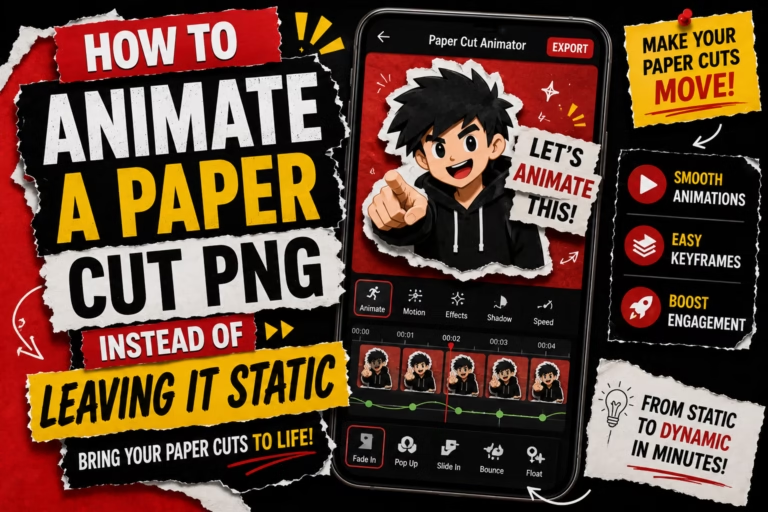
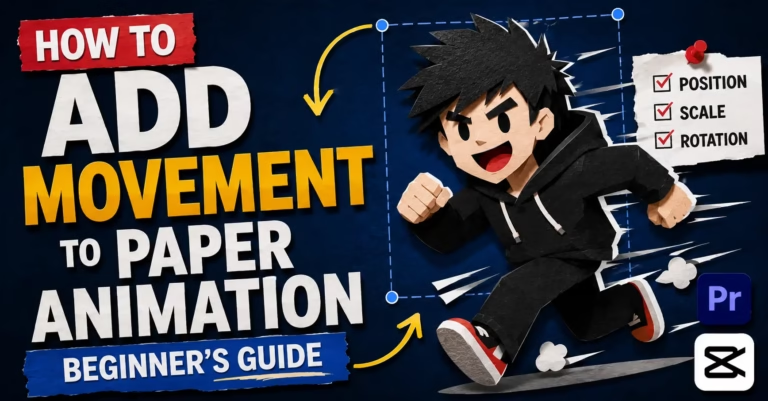
The movement slider in PaperAnimators.in adds the boil effect to the edges and surface of your paper cut-out. The boil is the organic micro-movement that makes the subject look like it was photographed frame by frame while being held by a human hand. At low intensity settings between 20 and 30 percent, the movement is subtle enough to read as handmade without drawing attention to itself. At higher settings between 50 and 70 percent, the wobble becomes the dominant visual quality of the animation and works well for content where energy and movement are the point.
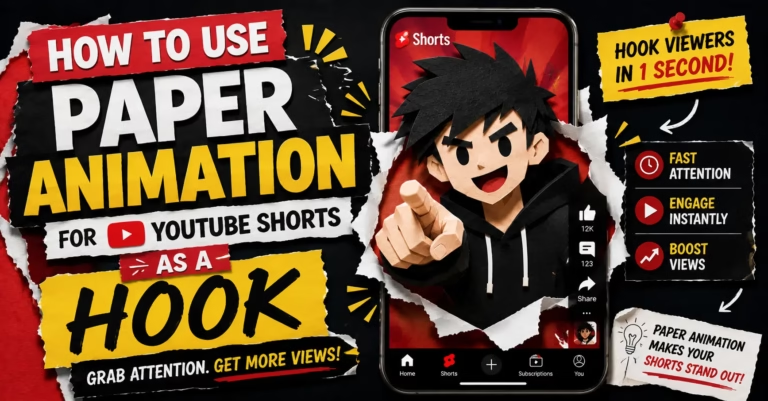
The Paper Fold-Out animation option creates a different kind of movement. The subject folds progressively into frame rather than appearing fully formed with a wobble. This works well as an opening hook for video content, particularly YouTube Shorts and Instagram Reels where the first two seconds determine whether the viewer stays. Combining the Fold-Out animation with a moderate boil movement after the fold completes gives you a two-stage animation that starts with a reveal and settles into a living paper character.
Choosing Your Background and Canvas Settings
The background behind your paper cut-out changes everything about how the final result reads. PaperAnimators.in gives you five background options and each one suits a different use case.
Solid colour backgrounds are the most versatile. Dark backgrounds like deep navy, forest green, or near-black give the paper shadow the most contrast and make the cut-out effect look its most dramatic. Light backgrounds work better for content that needs a softer, warmer feel. The colour picker lets you match your brand colours or choose any hex value directly.
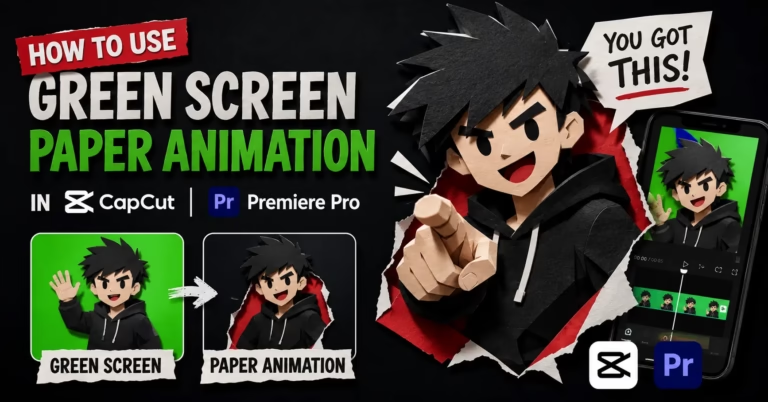
The green screen background option is what enables paper animation without Photoshop to work inside video projects. Export with green screen background and the file becomes a video overlay that any editor can key out. CapCut removes green screen backgrounds in two taps. Adobe Premiere Pro, DaVinci Resolve, and After Effects handle it with the Ultra Key or Chroma Key effect. The paper animation character becomes a floating element you can place over any footage without ever opening Photoshop.
Transparent PNG export removes the background entirely for still image use. Drop the resulting file into Canva, Google Slides, Figma, or any design tool and it sits cleanly on whatever background sits behind it with no white box and no visible edge artifacts.
Exporting and Using Your Paper Animation
Four export formats are available and each one fits a different workflow.
PNG export gives you a flat image with the background included. This works for social media posts, blog headers, and presentation slides where you want the composition exactly as it appears in the editor. JPG export gives you a smaller file size when the exact colour reproduction of the edges matters less than keeping the file compact for web use.
Transparent PNG is the most useful format for design work. It works in every design tool without conversion and the edge quality of the paper cut-out holds up at large sizes and small ones equally well. WebM video export with movement enabled gives you the animated version, either with a solid background colour, a green screen, or the transparent channel depending on which export option you choose.
Small business owners in Vadodara, Ludhiana, and Mangalore who produce weekly WhatsApp Status content use the transparent PNG export for still posts and the green screen WebM for animated story content. One upload to PaperAnimators.in produces both assets in under ten minutes total.
Magazine Letters and Text Without Photoshop
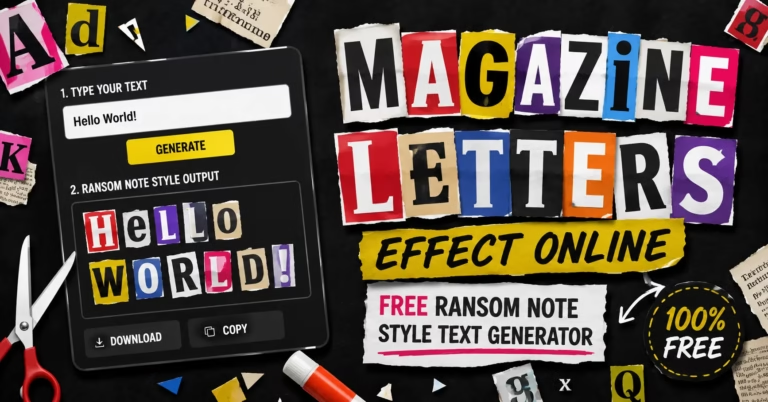
The paper animation workflow does not stop at image cut-outs. The Magazine Letters feature generates text that looks like letters cut from real magazine and newspaper clippings, each character drawn from a library of scanned source material with its own ink quality, font variation, and paper texture.
In Photoshop, building this effect manually involves sourcing physical magazines, scanning individual letters, cutting them out on transparent layers, and compositing them with adjustments for colour, shadow, and grain. That process takes hours for a few words. In PaperAnimators.in it takes thirty seconds. Type the words, click generate, randomize until the arrangement looks right, and export as a transparent PNG.
The result is a text element that pairs naturally with paper cut-out character images because both come from the same visual system. A paper character on one side of a social media graphic and magazine letter text on the other creates a complete visual composition without Photoshop, Illustrator, or any other Adobe product involved at any stage.
Why Browser-Based Paper Animation Beats Software in 2026
Software has a real cost beyond the subscription price. It costs time to install, time to learn, time to update, and time to troubleshoot when something breaks. A browser-based tool that works immediately on any device removes all of those costs at once.
For content creators who need paper animation as one part of a broader workflow rather than as a dedicated craft, the value of a tool that opens in ten seconds and produces a usable result in five minutes is enormous. The time saved on setup and learning goes directly into producing more content, which is the actual goal.
Paper animation without Photoshop, using PaperAnimators.in, produces visually comparable results including realistic torn edges, layered shadows, and the characteristic boil wiggle, without an expensive subscription or hours of manual labour. In 2026, that trade-off is worth making for almost every creator who does not use Photoshop for other things already.