How to Use Paper Animation for YouTube Shorts as a Hook
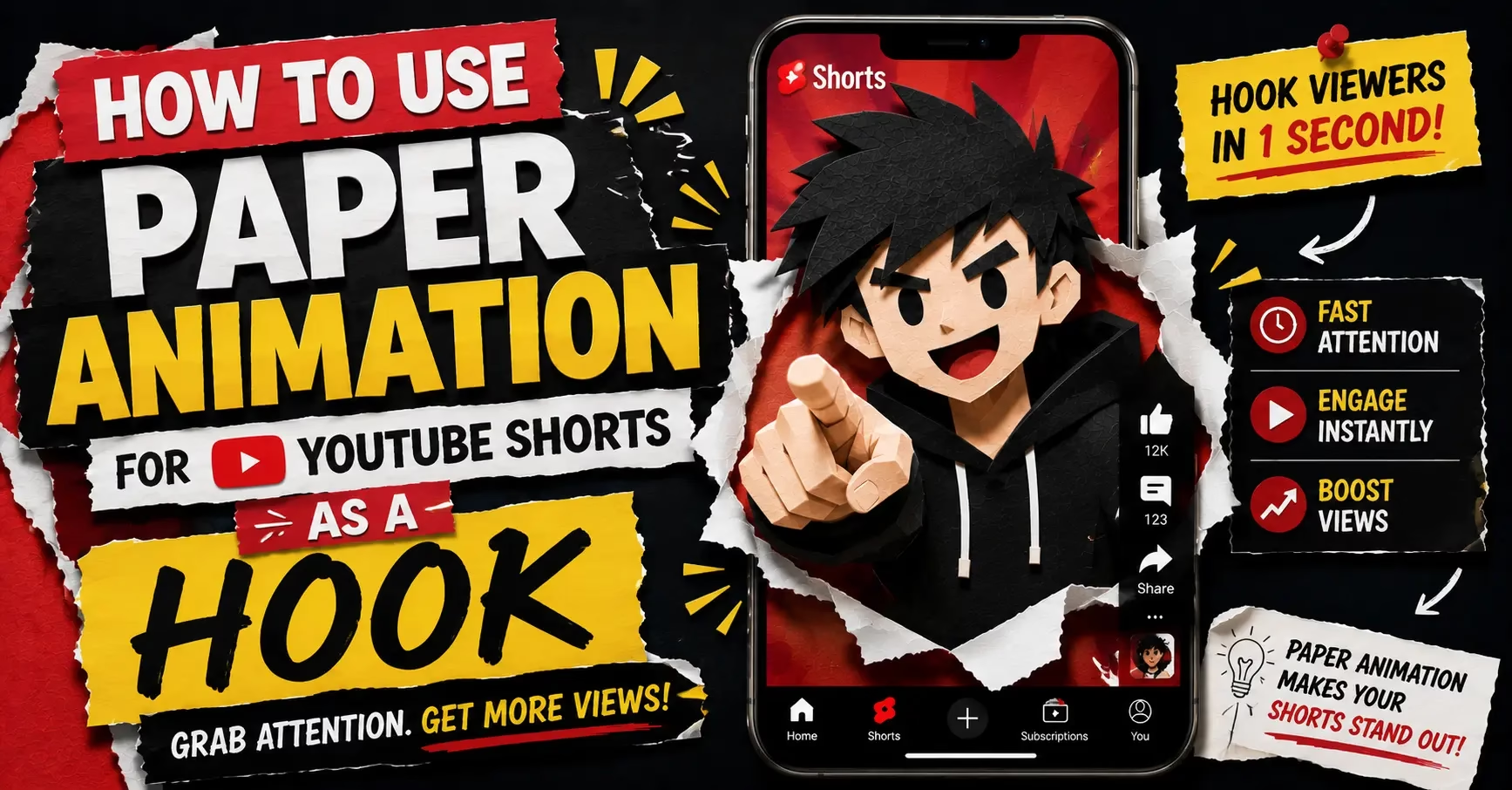
YouTube Shorts gives you roughly one second before the algorithm decides whether your video gets pushed further or quietly buried. Paper animation for YouTube Shorts solves the hardest part of that equation, the opening frame, in a way that polished digital graphics simply cannot replicate. The torn edges, the layered shadow, the slight organic wobble of a paper cut-out character all signal something handcrafted in a feed that looks almost entirely machine-assembled. That contrast is what stops the scroll. Using paper animation for YouTube Shorts as your opening hook means you are competing on visual differentiation rather than production budget, which is a much more winnable game for most creators.
The rest of this guide covers exactly how to build that hook, what settings actually matter, and how to get the finished animation into a Shorts-ready video without spending money or installing software.
Why the First Second on Shorts Is Everything
According to research published by vidIQ analyzing top-performing Shorts across niches, videos with a viewed-versus-swiped-away ratio between 70 and 90 percent in the first hour after posting consistently receive significantly higher distribution than everything else. That ratio is decided almost entirely in the opening frame by a single question the viewer never consciously asks: is this worth watching?
Paper animation answers that question visually before a word is spoken. The organic quality of torn paper edges registers as unusual in a feed built mostly on clean digital content. The brain notices the contrast before the decision to swipe has formed. That half-second of curiosity is the entire job of the hook.
The effect also works in silent viewing conditions, which matters more on Shorts than people realize. A significant portion of YouTube Shorts are watched without audio during commutes, in public, or with the phone on a table. A paper animation hook communicates something visually interesting before the viewer has even decided whether to turn the sound on.
Start With the Hook Concept Before Opening Any Tool
Most creators get this backwards. They spend an hour building the animation before writing a single sentence about what the video is actually going to say. The hook is not a decoration added at the end. It is the entire opening argument for why someone should keep watching.
Write your hook sentence before touching PaperAnimators.in or CapCut. One sentence is enough to start. Something like “I tried turning every photo on my phone into a paper character and here is what happened” or “This free tool makes your videos look like they cost serious money to produce.” That sentence determines everything else about how the animation gets used, where it sits in the frame, how long it runs, and what comes immediately after it.
Building the Paper Animation in PaperAnimators.in
Upload your photo and run background removal before applying any effect. For a Shorts hook specifically, the background removal step matters more than in any other use case because the opening frame gets the most scrutiny from viewers deciding whether to stay. A rough edge around the subject in the first frame signals low quality faster than almost anything else.
The Paper Fold-Out animation is the right choice for a hook. It creates a reveal moment because the character unfolds progressively into frame rather than appearing all at once. Viewers stay to see what it becomes. Set the movement intensity between 25 and 35 percent after the fold completes so the character keeps moving naturally without the wobble pulling attention away from your content after the hook is done.
Push edge thickness slightly higher than you would for a static design. Paper animation plays at full screen width on a phone and fine edges thin out after YouTube processes the upload. Shadow intensity follows the same rule. A shadow that looks strong in the PaperAnimators.in editor tends to look exactly right after compression. Creators in Lucknow, Nashik, and Vijayawada who build daily Shorts content consistently report that settings which feel slightly heavy in preview look perfect in the finished video.
Choosing the Right Export for Your Shorts Workflow
Two export formats work well for a Shorts hook and each suits a different editing setup.
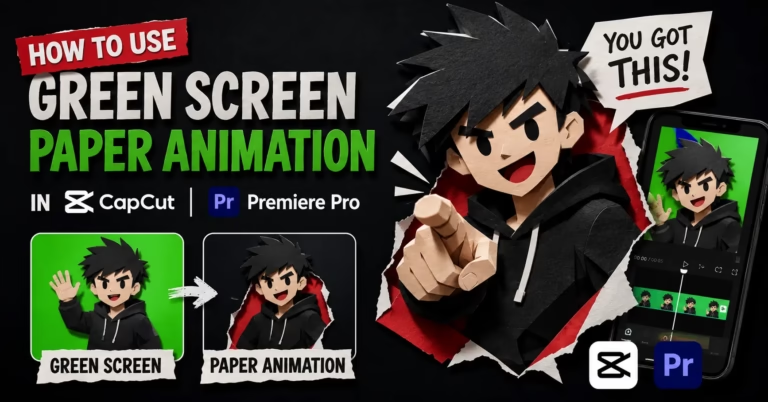
The green screen WebM with movement enabled is the cleaner option for most creators working in CapCut. Import it as an overlay, use Chroma Key to key out the green background, and the character unfolds over whatever sits beneath it. The movement continues after the fold completes which keeps the character subtly alive during the sections of your Short that follow the hook.
A transparent PNG export works better if you want a static character that appears fully formed at the start rather than unfolding. Drop it into your editor as an image overlay and apply a zoom or fade animation to the layer itself to create the opening motion. This gives you precise control over timing which some creators prefer when the hook needs to land on a specific beat in the audio.
Putting the Hook Together in CapCut
Set your project to 9:16 before importing anything. Shorts are vertical and rebuilding a project after getting the ratio wrong wastes time you could spend on the content itself.
Place your background layer first. A solid dark background gives the paper character the contrast it needs to read clearly at full screen width on a phone. The first frame of your Short is effectively the thumbnail in the Shorts feed for many viewers before they tap to watch. Dark backgrounds with a paper cut-out character stand out in that feed in a way lighter or busier backgrounds do not.
Add the paper animation as an overlay above the background. If you used the green screen export, apply Chroma Key and move the strength slider slowly until the paper edges look clean with no green fringing visible. Position the character on the left side of the frame because TikTok and YouTube both place their interaction buttons on the right side during playback. Keep the hook clip to two or three seconds maximum. Cut directly to your main content when it ends. A hard cut feels faster than a transition on Shorts and the algorithm rewards videos that maintain pace in the first ten seconds.
Hook Formats That Work on YouTube Shorts With Paper Animation
The character reveal is the most straightforward format. Your paper cut-out unfolds into frame, the animation completes, and you cut directly to your content with the character remaining visible in the corner. The hook is the unfold itself. Creators in Agra, Jodhpur, and Kozhikode making educational Shorts use this format because it builds a recognizable visual identity that viewers associate with the channel after watching two or three videos.
The transformation hook shows a flat photo for half a second and then cuts to the paper cut-out version of the same subject. The contrast between the plain image and the paper version communicates the creative transformation faster than text could. This format works particularly well for product-based channels and small businesses using Shorts to show what their service or product looks like after a creative treatment.
The text and character combination places the paper cut-out on one side of the frame and a short bold headline on the other side. Both elements run simultaneously which means viewers who stop for visual interest and viewers who stop for text headlines both have a reason to stay. For Shorts targeting audiences in India where a significant portion of viewing happens in silent mode, this dual approach holds more viewers through the critical first three seconds than either element would alone.
What to Check Before You Upload
Watch the finished Short on your actual phone before uploading. Not in the desktop preview. Hold the phone at arm’s length the way a viewer would hold it while scrolling. Paper animation edges and text readability look different on a phone screen than on a monitor and Shorts is a phone platform first.
Pause the video at frame zero and look at the static first frame. That is what many viewers see in the Shorts feed before they decide to tap. If the paper character is mid-unfold at frame zero and looks incomplete or strange out of context, trim the start by a few frames so the opening image reads better as a still.
Export from CapCut at 1080 by 1920 pixels in MP4 format at the highest quality setting. YouTube compresses Shorts during upload and a higher quality source means the compression removes less visible detail from the paper animation edges that the hook depends on.