How to Make Paper Animation for TikTok — Free Step by Step Guide
The first time I uploaded a paper animation to TikTok it looked nothing like what I had in CapCut. The edges were soft. The shadow had flattened. The whole effect that looked sharp in preview came out looking like something from a decade ago. Two hours later I figured out what went wrong. This article saves you those two hours and gets straight to what actually matters when you bring paper animation for TikTok into your content workflow.
What TikTok Does to Your Video That Nobody Warns You About
TikTok compresses uploaded video harder than any other major platform right now. What looks sharp in CapCut can come out noticeably softer after TikTok processes it. Paper cut-out edges are the first thing to suffer because they rely on contrast and fine detail that compression eats away at.
The fix is not complicated. Export everything at the highest resolution your tools allow before you upload. A file that looks slightly over-sharpened in preview tends to look exactly right after TikTok has processed it. Most creators never figure this out and keep wondering why their paper animation looks worse on TikTok than anywhere else.
One more thing worth knowing before you touch any tool. Text that appears in sync with audio or a beat performs better on TikTok than text that just sits on screen. Instagram audiences tolerate static overlays. TikTok audiences are trained to expect movement and timing. Keep that in mind when you plan what you are building.
Start With a Hook Before You Open Any Tool
The single biggest mistake TikTok creators make with paper animation is spending an hour on the animation before writing a single word of their hook. TikTok content without a clear opening in the first two seconds gets scrolled past regardless of how good the visual looks.
Write your hook sentence before you open PaperAnimators.in or CapCut. One sentence is enough. Something like “This editing trick changed how many people watch my videos” or “I turned a photo into a paper character in under two minutes.” Write it down. Then open your tools.
Building Your Paper Character in PaperAnimators.in
Upload your photo to PaperAnimators.in and run background removal before applying any effect. This step matters more for TikTok than for any other platform because the compression makes rough edges look like glitches rather than intentional design. Spend thirty extra seconds cleaning up the subject boundary before moving forward.
Push edge thickness toward the higher end of the available range when building for TikTok specifically. Fine edges that look elegant on a desktop monitor disappear on a phone screen after compression. The same goes for shadow intensity. A shadow that feels slightly heavy in the editor tends to look just right after the video has been processed and played back on a phone at arm’s length.
The Paper Fold-Out animation works well as an opening hook. A character that unfolds into frame in the first two seconds gives the viewer a reason to stay before anything has been said. Set the movement intensity between 30 and 40 percent after the fold completes so the character keeps moving naturally without the wobble becoming the main thing the viewer notices.
Choosing the Right Export for Paper Animation for TikTok
This is where most people get confused and end up exporting three times before getting it right.
If the paper character is going to sit still throughout the video, export as transparent PNG. It is a still image with no background. Drop it into CapCut as an image overlay, position it where you want it, and you are done. Fast, simple, no extra steps.
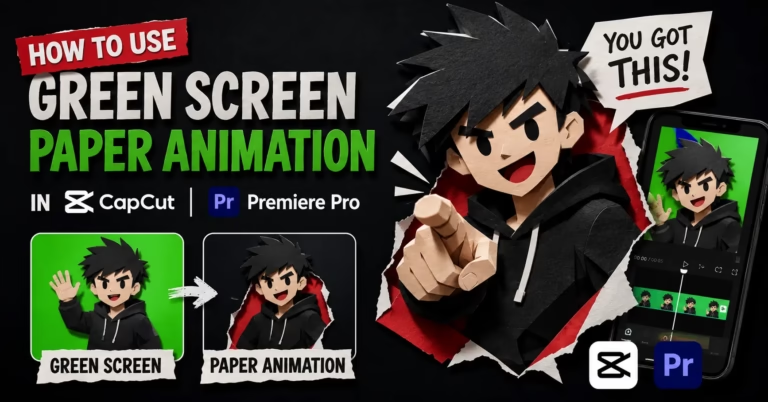
If you want the character to have that organic wobble through the whole video, use the green screen WebM export with movement enabled inside PaperAnimators.in. It takes a few extra minutes to key out the green background in CapCut using Chroma Key. The result looks completely different from a static overlay. The character feels alive on screen and that movement is what keeps viewers watching rather than scrolling.
Putting Everything Together in CapCut
Set your CapCut project to 9:16 before importing anything. Getting the aspect ratio wrong at the start means rebuilding the whole project. It sounds obvious but it is the most common mistake people make on their first attempt.
Add your background layer first. A solid dark background puts all the visual focus on the paper character and suits most TikTok content formats. Busy photo backgrounds compete with the paper cut-out edges and the composition ends up feeling crowded. Dark solid backgrounds give the character the contrast it needs to read clearly on a phone screen.
Add the paper character as an overlay above the background. If you exported with green screen, select the overlay, open Chroma Key, and tap the green area to begin removing it. Move the strength slider slowly. Going too fast usually leaves a faint green fringe that is hard to spot in the editor but shows up on a phone screen immediately. Creators in Kanpur, Dehradun, and Siliguri who build daily content for TikTok typically find a strength setting between 85 and 95 works cleanly for most exports from PaperAnimators.in.
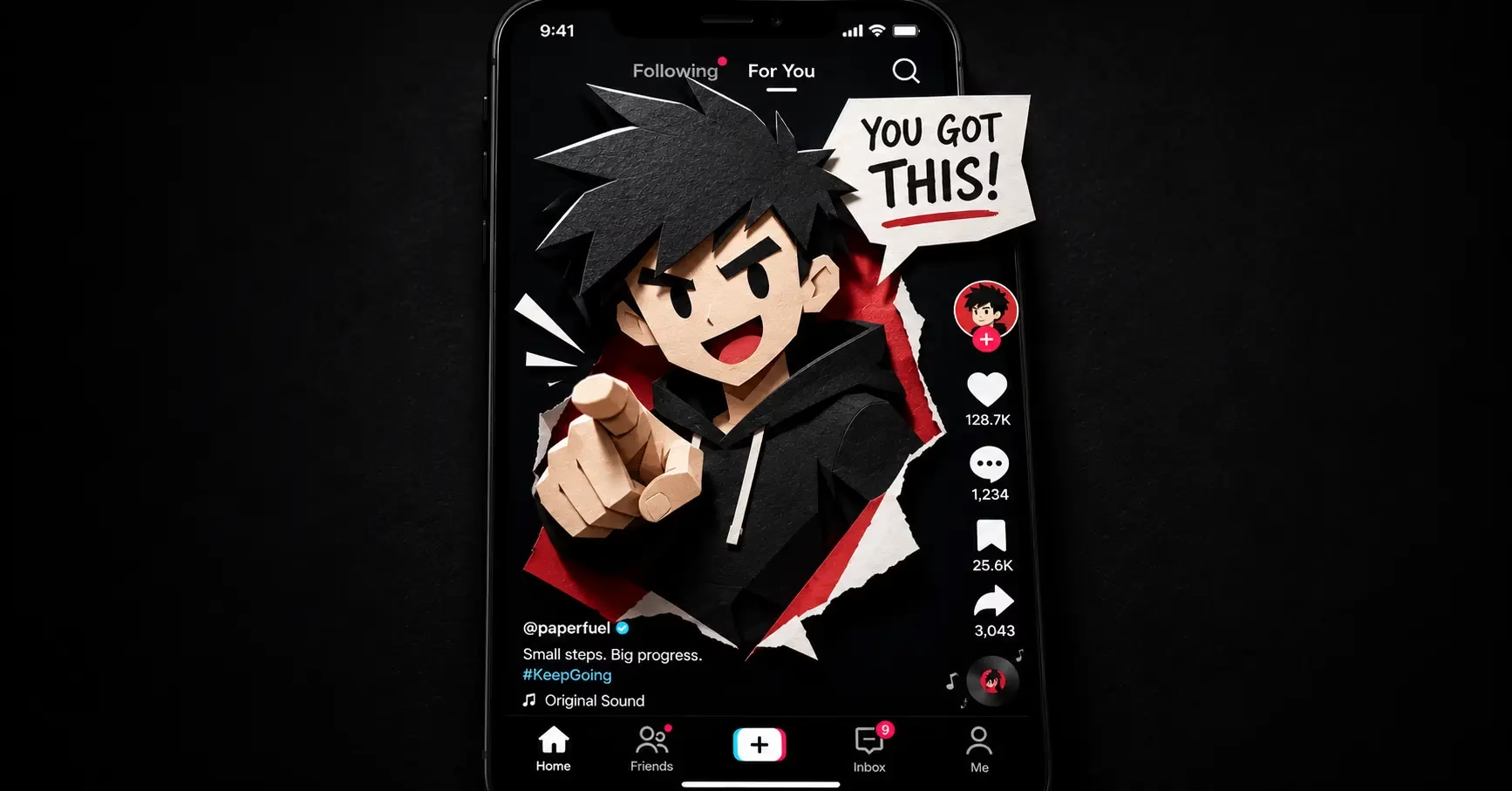
Place your character on the left side of the frame. TikTok puts its like, comment, share, and follow buttons on the right side of the screen during playback. Anything positioned on the right gets partially covered. The left side stays fully visible throughout the video.
Audio Is Not Optional on TikTok
A visually strong paper animation TikTok with weak or no audio underperforms every time. TikTok is built around sound in a way that Instagram and YouTube are not. This is not a preference. It is how the platform distributes content.
Trending audio is the fastest path to distribution on TikTok. The platform actively shows content using popular sounds to viewers who have previously engaged with that audio. You do not need to understand the algorithm in depth to use this. Pick a trending sound that fits the mood of your video and add it in CapCut before export or directly inside TikTok after uploading.
A recorded voiceover works differently but often produces better results. When the paper character appears to react to or move in time with what you are saying, the content feels designed rather than assembled. That difference is what separates paper animation videos that get saved and shared from ones that just get watched once and forgotten. Time the character’s appearance to land on a specific word in your narration. That one small detail changes how the whole video feels.
Exporting and Uploading to TikTok
Export from CapCut at 1080 by 1920 pixels in MP4 format at the highest quality setting. Before uploading, watch the full video on your actual phone rather than in the desktop preview. Paper animation edges and text readability look different on a phone screen than on a monitor and TikTok is a phone platform first.
Write a caption that ends with a question or a prompt for response. TikTok’s algorithm weights comment activity heavily in the first hour after posting. More comments in that window means more distribution. More distribution means more views. The caption is the easiest part of this chain to control and most creators treat it as an afterthought.
Post when your target audience is active. For most creator and design audiences, lunchtime posts pick up faster in the first hour. For general content, early evening on weekdays tends to perform better over the first 24 hours. Test both and check your TikTok analytics after a few posts to see which pattern holds for your specific audience.
Three Paper Animation Formats Worth Trying on TikTok
The paper reaction is the simplest format to produce. Your paper character sits in one corner while screen recording or B-roll footage plays behind it. The character reacts to what is on screen. The cut-out style makes even a simple reaction look more expressive than a standard talking head because the paper edges and shadow add visual weight that normal video frames do not have.
The before and after needs no explanation and that is exactly why it works. Plain photo in the first half, paper cut-out version in the second half. The transformation is the content. Viewers understand the value immediately and save the video because they want to try it themselves. Small business owners in Jamnagar, Bilaspur, and Thrissur use this format for product reveals on TikTok because the visual change happens fast and reads clearly on a small screen.
The paper tutorial keeps an animated paper character in the corner while text tips appear on screen in sequence. No face on camera required. The character provides visual movement while the text delivers the actual value. For creators who prefer not to appear on camera this format is worth trying before anything else because it produces consistent results without requiring a filming setup.
One Thing Before You Start
The first paper animation TikTok you make will probably not be perfect. Something will be positioned slightly wrong or the timing will be off by half a second. That is fine and expected. The second one will be better and the third one will take half the time of the first.
Open PaperAnimators.in now, upload your photo, and make the first one today. Everything on the site is free, nothing needs an account, and your exports belong to you the moment you download them.